Creating an account on the NOA Knowledge Hub platform is simple and ensures you gain access to a wealth of resources tailored for citizens. Follow these steps to get started:
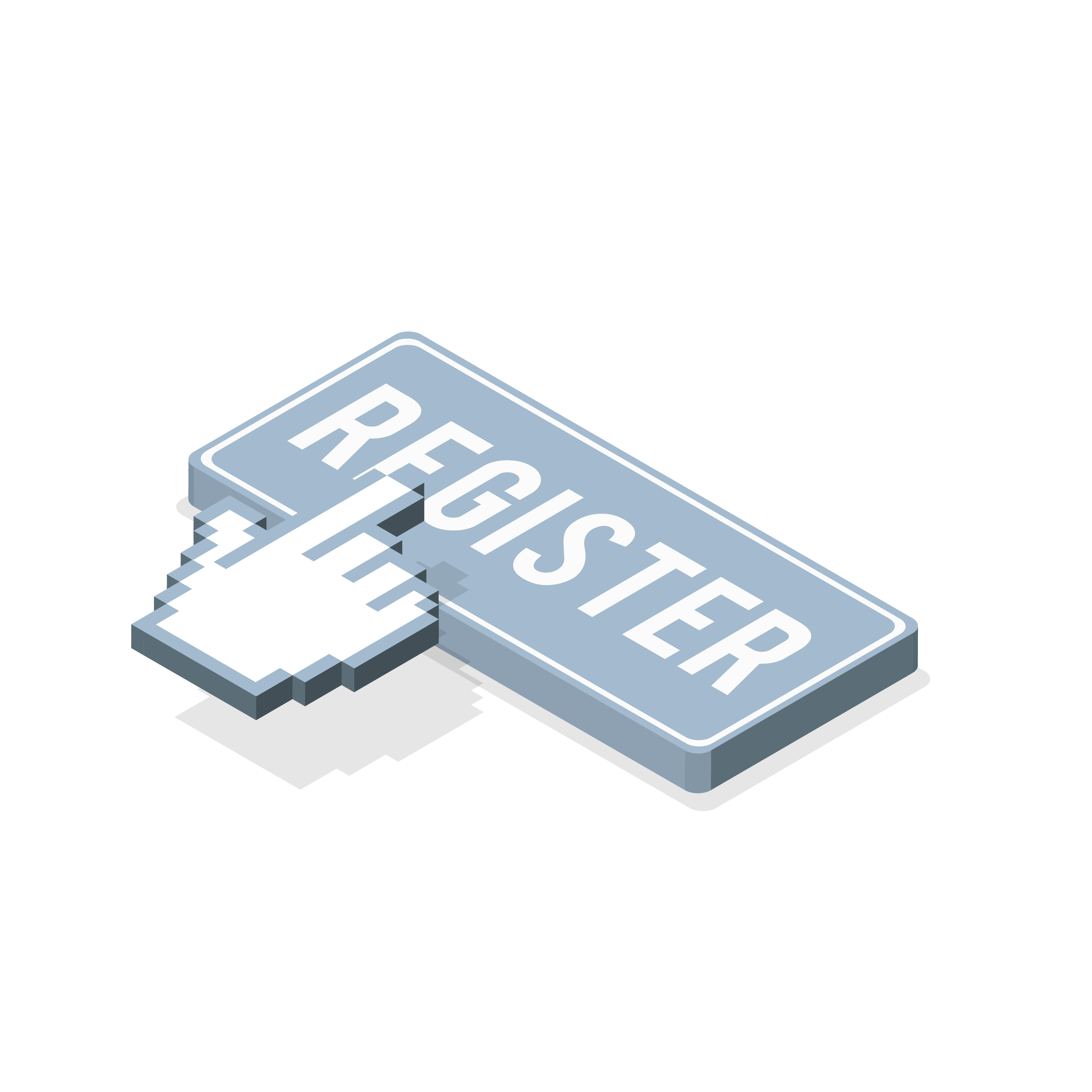
Step 1: Click on Register
Begin by visiting the NOA Knowledge Hub homepage and clicking the "Register" button. This will take you to the sign-up page where you can create your account.
Step 2: Enter Your Details
On the registration page, provide the following details:
- Full Name: Enter your official name as it appears in your professional records.
- Email Address: Use a valid email address you can access regularly.
- Password: Choose a strong password that is secure and easy for you to remember.
Once all fields are completed, click on the "Sign Up" button to proceed.
Step 3: Verify Your Email
After signing up, a verification email will be sent to the address you provided. Open the email and follow the instructions to verify your account. This will include entering a verification code.
Step 4: Access Your Dashboard
Once your email is verified, you’ll have full access to your personalized dashboard. Here, you can explore courses, track your progress, and connect with other professionals on the platform.
By completing these steps, you’ll be fully registered and ready to begin your learning journey with the NOA Knowledge Hub Platform. If you encounter any issues during registration, feel free to contact support for assistance.
Ready to get started? Click Register today!
Categories
Recent posts

The NOA Knowledge Hub: Empowering ...
31/01/2025